
Website Project AI: Automated Website Planning, Content, and Updates
- 3 days ago
- 3 min read
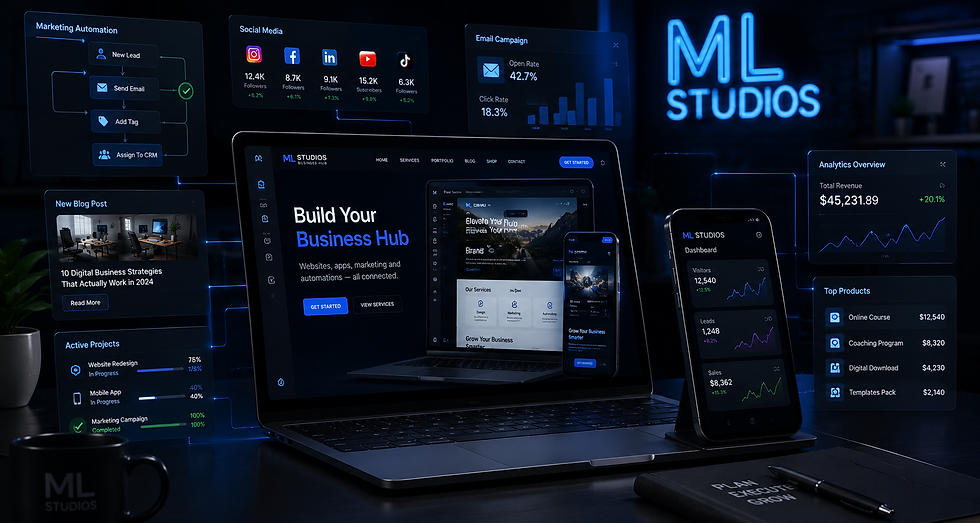
Website Project AI is ML Studios’ internal system for turning client inputs into a clear website plan, publish-ready draft content, and ongoing progress updates—all in one connected workflow.
It’s built for two audiences at once: business owners who want faster results (and better SEO), and technical fans who want to see how we wire automations together to deliver work reliably.
Why we built Website Project AI
Most website projects stall for the same reasons:
The “plan” lives in scattered notes, emails, and half-finished outlines.
Content writing starts too late (or starts without a strategy).
SEO gets treated as a last-minute checklist instead of a foundation.
Clients don’t get consistent updates, so the project feels unclear even when work is happening.
Website Project AI was built to solve that. It standardizes how we collect details, generate a plan, create draft content, and track work—so every client gets a repeatable, high-quality experience.
What it does (in plain terms)
Website Project AI helps us:
Generate a website plan based on client details (pages, structure, priorities, and content direction)
Draft website content we can quickly edit and finalize (so you’re not starting from zero)
Kick off initial SEO early in the process (so pages are designed to be found)
Connect the plan + content to our task system so ongoing work is tracked and communicated
Send progress updates weekly or monthly, depending on your service and cadence
This tool is automatically applied for clients who purchase a service from ML Studios, and used as needed throughout the relationship.
How it works (the real workflow)
Website Project AI has two inputs, depending on how you engage with us:
Input 1: Online form (self-serve intake)
If you start with an online intake form, your responses become the blueprint for planning and content generation.
Input 2: Manual input during a consult
If you start through a consultation, we’ll capture the same details live—then enter them into the system so the workflow stays consistent.
From intake → plan → content (automation pipeline)
Once we have your details, the workflow looks like this:
Wix Automations receives the intake
We use Wix Automations as the trigger layer. When a form is submitted (or when we log details after a consult), Wix passes that data into our automation flow.
Wix sends the data to Zapier
Wix Automations forwards the submission to Zapier, which acts like the “automation router” for the rest of the system.
Zapier runs our AI toolchain
Inside Zapier, we run a set of AI steps we’ve configured to:
interpret the client’s brand, offer, and goals
generate a structured website plan (page list + purpose + priority)
draft starter content aligned to the plan and the brand voice
support initial SEO direction (so content and structure map to search intent)
This is where the speed comes from: instead of starting with a blank document, we start with a strong first draft that ML Studios can refine.
ML Studios edits and finalizes
AI-generated output is a draft—not the final product. We review and adjust:
tone and clarity
accuracy and brand specificity
formatting and on-page structure
SEO alignment (headings, intent coverage, and page focus)
The end result is content that’s fast to produce, but still polished and aligned with the brand.
Ongoing management: connected to our task database + updates
After the plan and content are created, Website Project AI connects into our task database (the operational layer of your website management). This is how we keep work organized and transparent over time.
Depending on your plan and cadence, the system supports:
weekly updates (for active, fast-moving work)
monthly updates (for steady ongoing improvements)
Those updates reflect both:
what the system has generated/organized, and
the real human work ML Studios is doing (edits, implementation, optimization, and ongoing improvements)
What clients get from it
If you’re a client, the benefits are straightforward:
Faster project kickoff (less waiting, less back-and-forth)
Better content momentum (drafts come early, not late)
SEO baked into the process (not tacked on at the end)
Clear progress tracking (weekly/monthly updates tied to real tasks)
If you’re a technical fan of ML Studios, the key idea is this:
Wix Automations = trigger + data capture
Zapier = workflow orchestration + integrations
AI steps = plan + content generation
Task database = operational truth + reporting cadence
Website Project AI is included with ML Studios services
Website Project AI is automatically applied for clients who purchase a service from ML Studios. We use it behind the scenes to deliver a smoother experience—while still keeping humans in the loop where it matters: strategy, editing, implementation, and quality control.


Comments